Vehicle database

Every vehicle you've ever wrapped, on file

A catalog of every vehicle in your shop — year, make, model, VIN, color, and verified wrap square footage. Scan the VIN barcode with a phone camera and the profile fills itself, a measured template database auto-fills dimensions, and those numbers feed straight into your quote estimates.

Overlam Free · $0 forever · No credit card

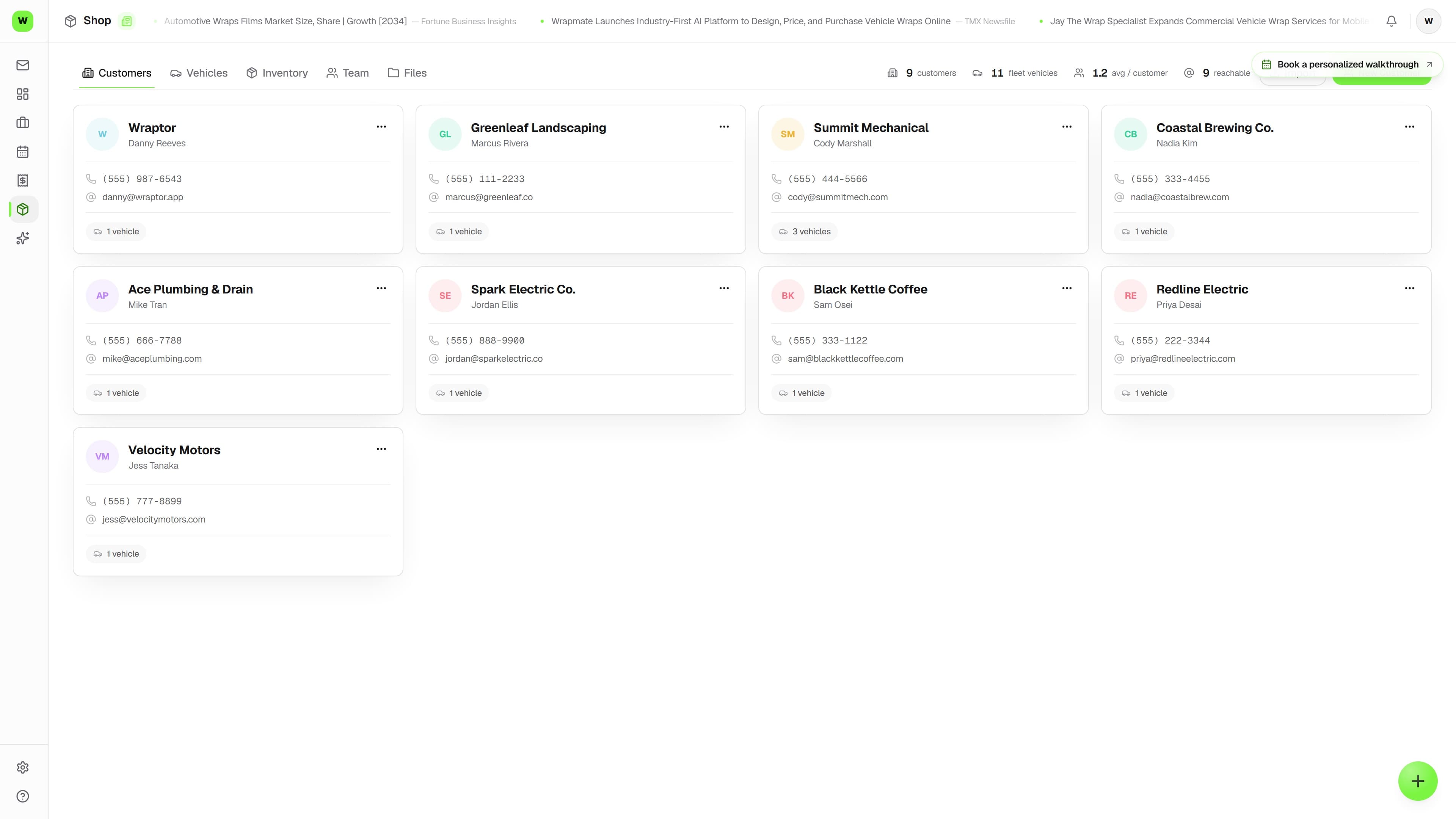
Overlam vehicle profile showing dimensions, VIN, and the list of jobs for that vehicle

Live capture — the real screen, not a mockup

The problem

Re-measuring the same vans over and over

Without a vehicle catalog, every estimate starts from a guess about square footage.

Without Overlam

  • Guessing sq ft on a Sprinter you've wrapped five times
  • No record of VIN, color, or wheelbase per vehicle
  • Wrap history scattered across job notes and texts
  • Quotes that come out wrong because dimensions were off
  • No quick way to find a vehicle when you forget the owner

With Overlam

  • Scan the VIN barcode — year, make, model, and body type decode free
  • Built-in catalog of commonly wrapped makes and models
  • Template lookup auto-fills verified full and 3/4 sq ft
  • Every vehicle linked to its customer and full job history
  • Square footage flows directly into quote estimates
  • Shop-wide directory searchable by make, model, VIN, or owner

See it in action

Real screens, not mockups.

Live captures of the exact screens your crew will run — flip through every view.

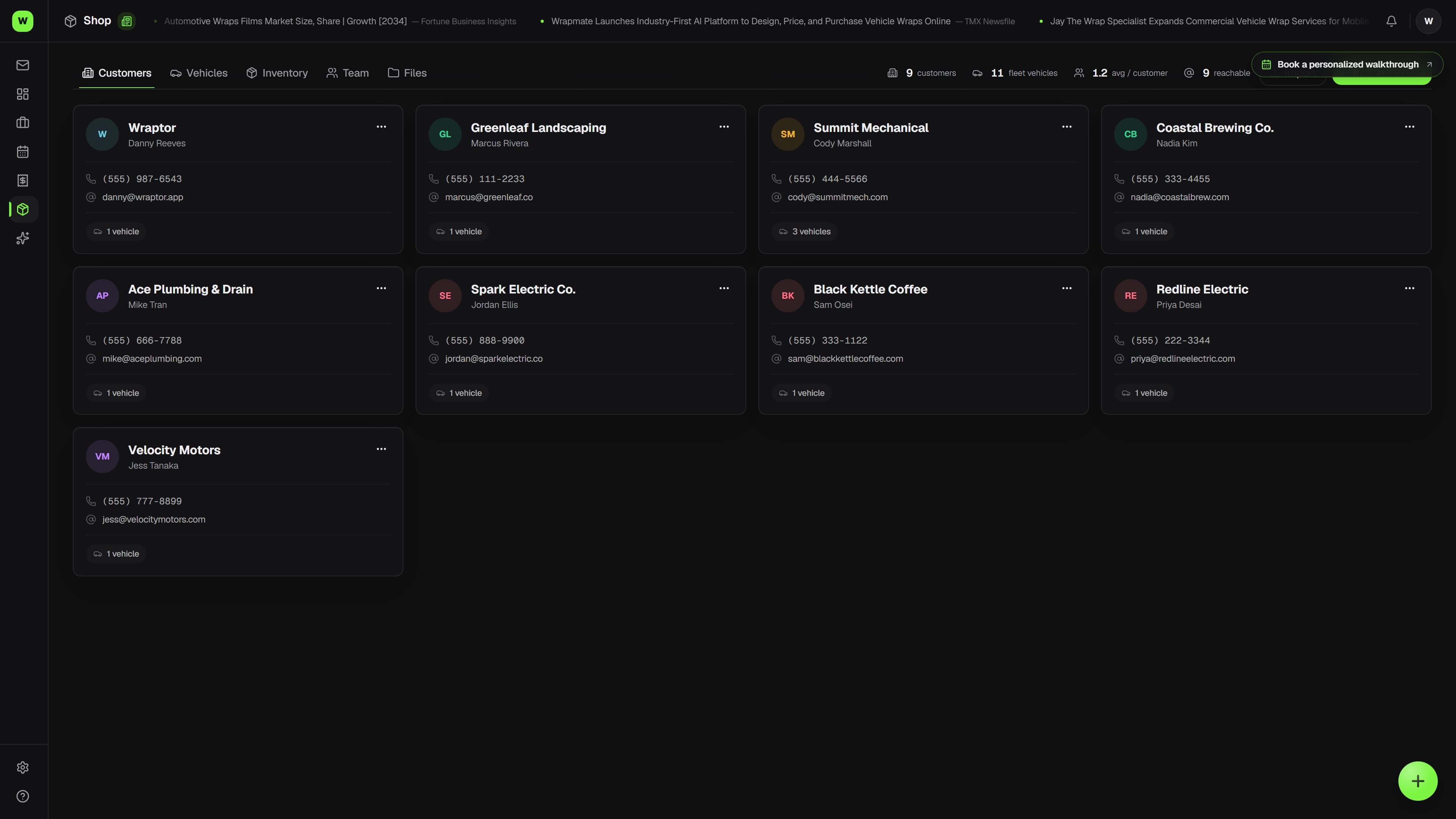
Overlam vehicle profile showing dimensions, VIN, and the list of jobs for that vehicle (light mode)

How it works

From setup to done.

01

Add the vehicle

Scan the VIN barcode with the shop tablet's camera and the decode fills year, make, model, and body type — or use template lookup to search or browse Make, Model, Year, and Body Style. Verified square footage and install hours fill in automatically.

02

Link it to the customer

Every vehicle belongs to a customer. Create one on the fly from the vehicle form, or add the vehicle straight from a customer's profile.

03

Quote from the dimensions

The full-wrap and 3/4-wrap sq ft on the vehicle feed directly into quote calculations, so estimates are accurate without re-measuring.

04

Build a wrap history

Each job ties back to the vehicle. The profile lists every job, so next time you know exactly what you wrapped and how long it took.

Capabilities

Everything in the box.

  • Built-in vehicle catalog

    Ships with the most commonly wrapped makes and models — Transit, Sprinter, ProMaster, F-150, Silverado, box trucks, cars, SUVs, trailers, boats, and more. Selecting one fills in sq ft and install-hour estimates.

  • Template lookup

    Search a query like "F-150 2021 SuperCrew" or browse Make to Model to Year to Body Style. A database of 2,164 measured vehicle configurations (PVO 2026 measurement list) replaces generic defaults with real square-footage numbers for that exact configuration.

  • VIN camera scan & decode

    Point the phone or tablet camera at the VIN barcode in the door jamb — the free NHTSA decode fills year, make, model, and suggests the body type, without overwriting anything you already typed. Works on iPad Safari, warns on a mistyped VIN, and caches decodes so repeat check-ins are instant.

  • Panel breakdown

    When a matched template has per-panel data, see each wrapped panel — hood, roof, doors, fenders, quarter panels, bumpers, rockers, tailgate, bed sides — and its individual square footage.

  • Per-vehicle job history

    Every job is tied to a vehicle. The vehicle profile lists each job with its number, title, and current stage, so a returning customer's full wrap history is one click away.

  • VIN, color, and plate records

    Store year, make, model, type, color, VIN, license plate, and wheelbase per vehicle. Useful for cross-referencing insurance docs and identifying fleet vehicles at a glance.

  • Dimensions that drive quotes

    Full-wrap sq ft, 3/4-wrap sq ft, and install hours live on the vehicle and feed straight into quote estimates. Edit them inline on the profile any time the defaults are off.

FAQ

Common questions.

What is the Overlam vehicle database?

It is a shop-wide catalog of every vehicle you work on. Each record stores the owner, year, make, model, type, color, VIN, license plate, wheelbase, full and 3/4 wrap square footage, install hours, and notes. Vehicles are the link between customers and jobs — a customer can have many vehicles, and each vehicle can have many jobs.

Does Overlam auto-fill wrap square footage?

Yes. Overlam ships with a built-in catalog of commonly wrapped makes and models, plus a verified template database. When you pick a template match by Make, Model, Year, and Body Style, the full and 3/4 wrap square footage and install hours fill in automatically. You can always edit those values.

How does the vehicle database connect to quotes?

The full-wrap and 3/4-wrap square footage stored on a vehicle feeds directly into quote calculations. Getting the dimensions right on the vehicle record means your estimates come out accurate without re-measuring, which is why template lookup matters most for high-variance vehicles like commercial vans.

Can I search for a vehicle without knowing the customer?

Yes. The vehicle list at /vehicles is a cross-customer directory of every vehicle in the shop. Search by make, model, VIN, or customer company name — handy when you remember it was a red Sprinter but not who owns it.

Can Overlam scan and decode a VIN?

Yes. Open the vehicle form (or the quick-add dialog on a quote or job), tap the scan button, and point the camera at the VIN barcode in the door jamb or windshield. The free NHTSA decode fills year, make, model, and suggests the body type, with a warning if the VIN's check digit looks mistyped. Decodes are cached shop-wide, so repeat check-ins resolve instantly.

Built to work togetherCRM·Fleets·Jobs·Proofs

Stop re-measuring the same vehicles

The full vehicle database and template workflow unlock with a paid plan. Overlam Free still lets you work the vehicle attached to your included active job and quote.

1 active job + 1 active quote free forever